

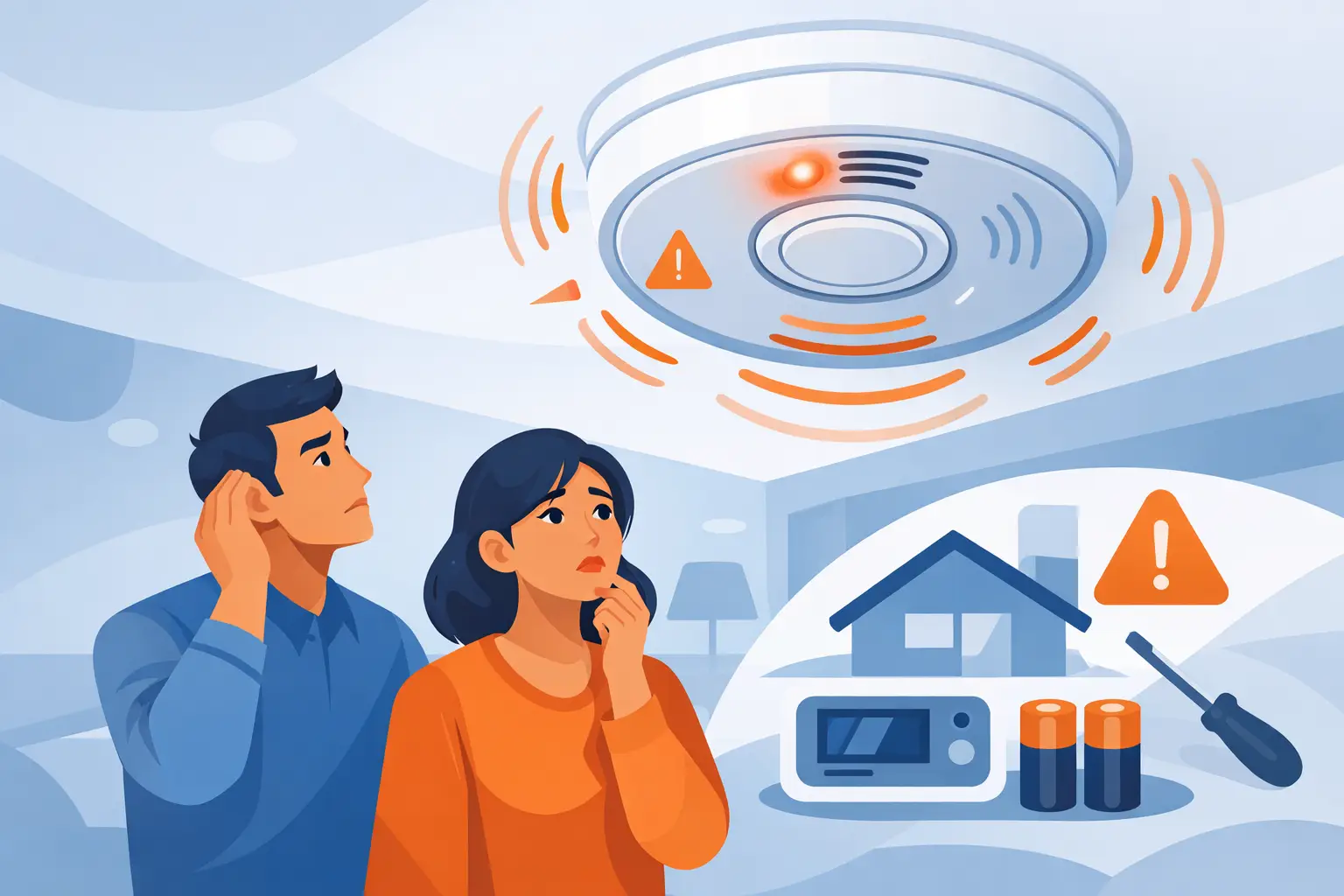
A beeping alarm rarely starts at a convenient time. It might begin in the middle of the night, during a busy workday, or just as you are leaving the house. When people ask, “why does alarm keep beeping”, the answer is usually not that the system is failing completely. More often, it is the panel telling you that something needs attention.
That matters because a persistent beep is a warning, not just a nuisance. Some issues are simple, such as a low backup battery or a sensor fault after a power cut. Others point to a maintenance problem that could leave the system less reliable if it is ignored.
Why does alarm keep beeping after it was working fine?
Most alarm systems are designed to flag faults before they become bigger problems. A regular beep is often the first sign. The exact cause depends on the type of system you have, whether it is wired, wireless, or smart, and how old the equipment is.
One of the most common reasons is a battery issue. Even hardwired intruder alarms usually have a backup battery inside the control panel so the system can keep running during a mains failure. As that battery ages, the panel may start beeping to indicate low voltage or poor charge retention. Wireless detectors and external sirens can do the same when their own batteries are running low.
Power interruptions are another frequent trigger. After a cut to the mains supply, the system may log a fault and continue beeping until it is properly reset. In some cases, the electricity is back on but the battery has already been weakened, so the warning does not clear on its own.
Sensor problems also cause beeping. A door contact that is not closing cleanly, a PIR detector that has developed a fault, or a tamper switch that is not seated properly can all prompt the panel to alert you. This is especially common in older systems or in properties where decorations, repairs, or accidental knocks have disturbed a device.
There is also the possibility of a communication or programming fault. Smart alarms and monitored systems can beep when they lose connection to broadband, Wi-Fi, GSM modules, or paired accessories. That does not always mean the whole alarm has stopped protecting the property, but it does mean part of the system may not be working as intended.
The most likely causes of a beeping alarm
If your alarm is beeping every few minutes rather than sounding a full siren, the issue is usually a fault notification rather than an active intruder alert. The pattern matters. A steady chirp, an intermittent warning, or a message on the keypad display can point you in the right direction.
A low battery is still the leading cause in many homes and small business premises. Alarm batteries do not last forever, and replacement intervals vary. A control panel battery may last several years, while batteries in wireless detectors may need changing sooner depending on use and manufacturer.
Tamper faults are also common. Alarm devices are fitted with tamper protection so the system can detect if a cover has been opened or the unit has been interfered with. Sometimes the cause is straightforward, such as a loose lid after servicing or decorating. Sometimes it is less obvious, such as a warped casing, a fixing issue, or wear over time.
Another possibility is a zone fault. If one sensor or area of the building is showing a problem, the panel may beep to draw attention to that specific zone. On a business premises, this could be linked to a shutter contact, entry door, stock room detector, or external sounder. In a home, it might be a hall PIR, front door contact, or garage sensor.
Then there is the simple issue of age. Older alarm systems can begin to produce nuisance faults because parts wear out, keypads become unreliable, or batteries and power supplies no longer perform consistently. Repair is often possible, but there comes a point where upgrading becomes the more dependable option.
What you can safely check yourself
Before assuming the whole system needs replacing, there are a few sensible checks you can make. The important point is to stay within what is safe and straightforward. Alarm systems are security devices, and random button pressing can make the situation more confusing.
Start with the keypad or control panel display. Many systems show a plain fault message such as low battery, mains fail, tamper, or line fault. If the display names a zone or device, make a note of it. That information is helpful if you later need an engineer.
Check whether there has been a recent power cut or electrical work. Even a brief interruption can trigger warnings. If the mains has returned but the beeping continues, the backup battery may not be recovering properly.
Look at any obvious wireless devices if your system uses them. Some sensors have an indicator light or a low battery warning. Do not open detectors unless you know the system and are confident doing so, as that can trigger tamper alerts.
If you have the user manual and know your user code, you may be able to acknowledge or review faults from the keypad menu. On some systems, this silences the warning temporarily while leaving the fault message in place. That is useful if the beeping is disruptive, but it is not the same as fixing the cause.
When beeping points to a fault that needs an engineer
If the alarm keeps returning to the same warning, it is best not to ignore it. A system that is constantly flagging faults may still set and unset, but it is not operating with the level of reliability you expect.
Battery replacement is a good example. It sounds simple, and sometimes it is. But fitting the wrong battery, missing a charging fault, or overlooking a failing power supply can mean the warning comes straight back. The same goes for wireless devices. Replacing a battery might solve the immediate issue, or it might reveal a deeper fault in the detector or signal path.
Tamper and zone faults often need a proper inspection. An engineer can test the device, check wiring where relevant, confirm the integrity of the circuit, and make sure the fault is not masking something more serious. On commercial systems in particular, repeated beeping can affect day-to-day operations and should be dealt with promptly.
There is also a practical point here. If the alarm is older and faults are starting to appear one after another, spending money on repeated small repairs may not always be the best value. Sometimes a service visit shows that the system can be restored with a battery and a few adjustments. Other times, a modern replacement gives you better reliability, easier user control, and proper ongoing support.
Why does alarm keep beeping on newer smart systems?
Newer systems are generally easier to understand, but they can still beep for reasons that are not immediately obvious. Smart alarms often monitor more conditions than older systems, including app connectivity, hub status, device pairing, and internet communication.
That means a beeping smart alarm may not have a detector fault at all. It could be warning that the hub has lost connection, a device has dropped offline, or a battery in one accessory is nearing the end of its life. The upside is that these systems often provide clearer notifications through the app as well as the panel.
The trade-off is that smart systems depend on correct setup and ongoing maintenance. If devices have been added piecemeal, if Wi-Fi coverage is poor, or if the system has not been professionally configured around the property layout, nuisance alerts can become more common than they should be.
For households and businesses using app-based security, the best result usually comes from treating the system like any other critical service. Keep it maintained, replace batteries at sensible intervals, and have any repeated warning investigated rather than muted and forgotten.
How to stop the problem coming back
A beeping alarm is often the first sign that servicing has been left too long. Regular maintenance gives the system a proper health check instead of waiting for it to complain. That includes battery testing, inspection of detectors and contacts, checking tamper protection, reviewing event logs, and confirming that the control equipment is operating correctly.
This is especially worthwhile for landlords and business owners, where reliability matters beyond day-to-day convenience. A poorly maintained alarm can create false confidence. It may appear to be in place and active while key parts of the system are not performing properly.
For many properties, the right answer is not just a repair but a broader assessment. If the system is outdated, unsupported, or producing repeated faults, a professional survey can show whether servicing, selective upgrades, or full replacement is the more sensible route. Companies such as Enga Security Installations typically approach this by looking at the property, the existing equipment, and how the building is actually used rather than pushing a one-size-fits-all fix.
If your alarm keeps beeping, the safest assumption is that it wants attention for a reason. Sometimes that reason is minor. Sometimes it is the early warning that saves you from a full failure later. Either way, dealing with it properly now is far better than waiting until the system lets you down when you need it most.